My progress during the 10-week collaboration with Harbor Picture Company, Electrical Theatre Collective, and Calling All Talent.
(Most recent progress at the top)
WEEK 4 – TO-DO (INDIVIDUAL):
Shot 2 (Embroidery):
Fix the movement of the thread
Fix clipping issues with cloth
Add movement to the cloth
Optimize for export
Export for look-dev + lighting
Shot 4 (Cloth Transition):
FX Development
Vellum simulation
Export for look-dev + lighting
WEEK 4 – TO-DO (TEAM):
Create cameras for new shots + refine cameras for original shots
Export FX from Houdini to Maya
Materials to every shot
Lighting to every shot
First pass – compositing (all shots)
February 2, 2026
Shot 4 – Cloth (Updated)
Shot 4 Progress:
Notes:
Simple shader + lighting applied, while we are running into some issues with the renderfarm
After our first version of the video, our team felt that having the shots on simpler, solid colored background, rather than the room improved the flow much more
Updated shot 4 without bed collider, with solid color background, and slower movement
Continue working on behavior of cloth
February 1, 2026
Shot List Update
We have decided to cut Shot 3, which is the wide shot of the embroidery because we felt that it flows between without it as long as the embroidery is visible in later shots (shots 4 and 5), which we plan to implement with textures next week.
February 1, 2026
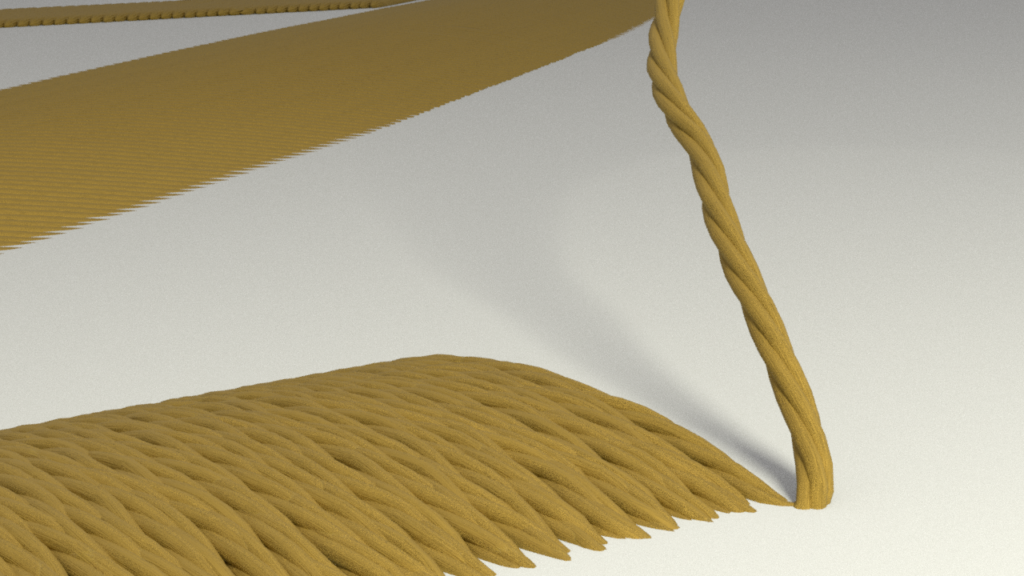
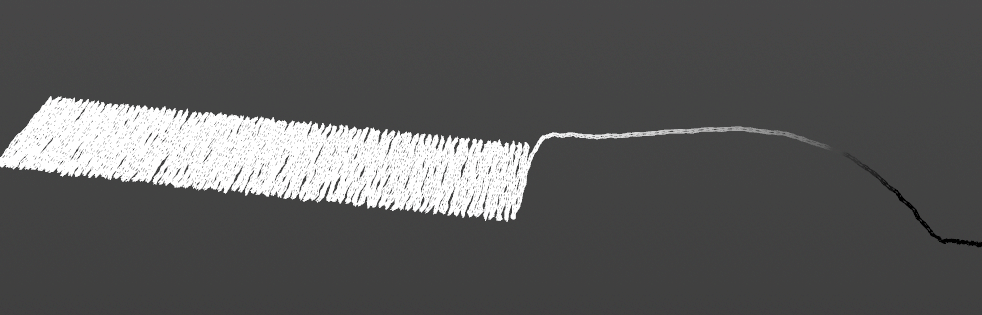
With the SCAD buildings being closed due to the snow this weekend, I wasn’t able to get as far as I’d liked with my FX shots, but I made a little bit of progress and tried to experiement with ways to make the thread in shot 2 more realistic.
Shot 2 – Embroidery (Updated)
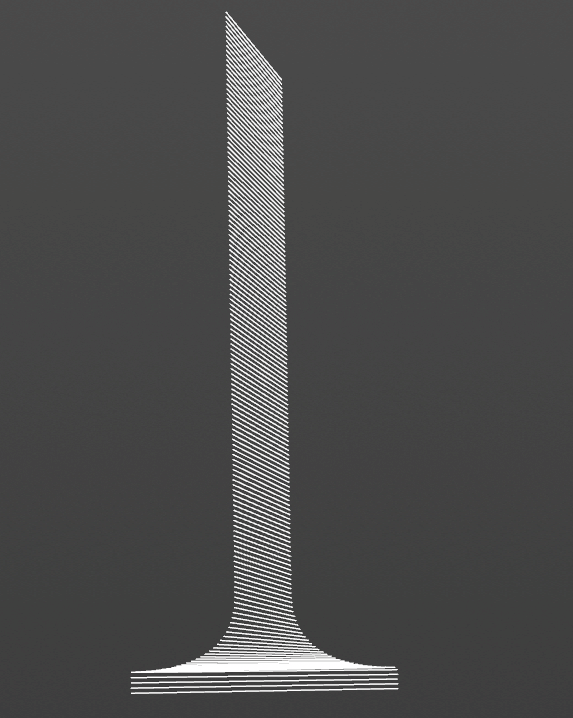
Shot 2 Progress:
Notes/ To-Do:
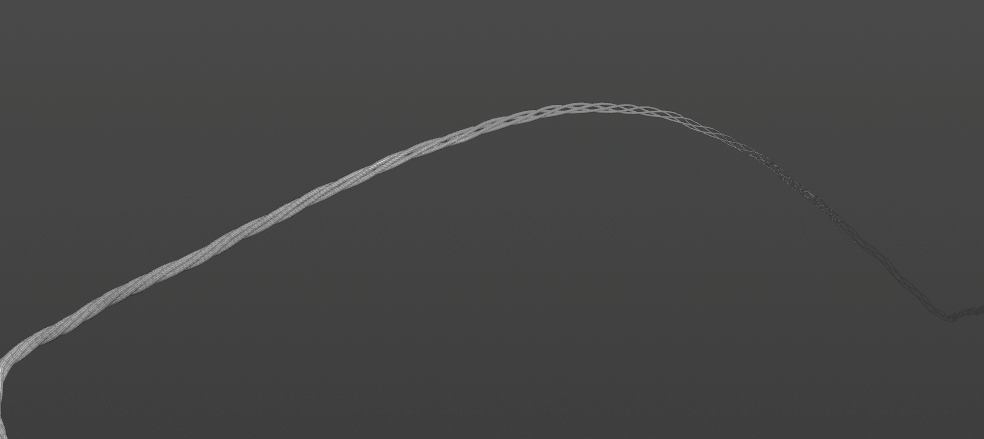
I think that the addition of the twisted string will make the thread feel much more realistic with Ella’s shader and lighting applied
Fix jittering movement
Make movement more randomized + interesting
Add groom/fuzz
Add more randomization in look
Decrease thickness slightly
Render Test with simple shaders applied
Added movement to the cloth
I will need to lower this a little so that the framing of the embroidery doesn’t change a lot
I may remove this
I adjusted the distance from which the string is coming from, but I will keep experimenting with that to make the movement better
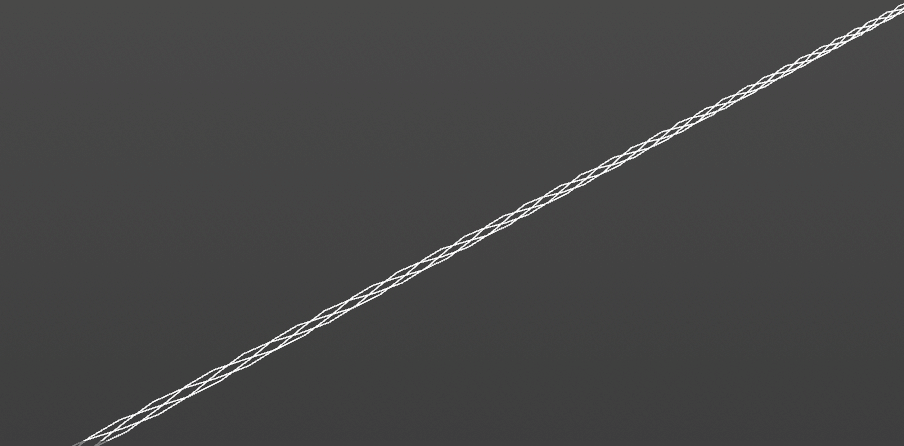
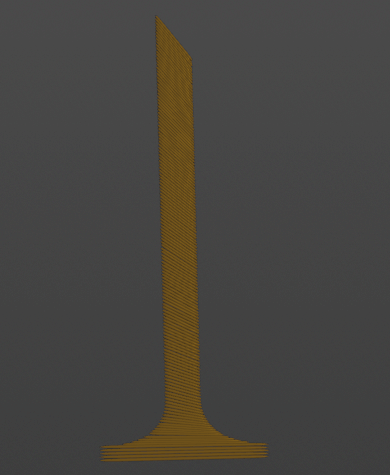
Adding Twists to the Thread:
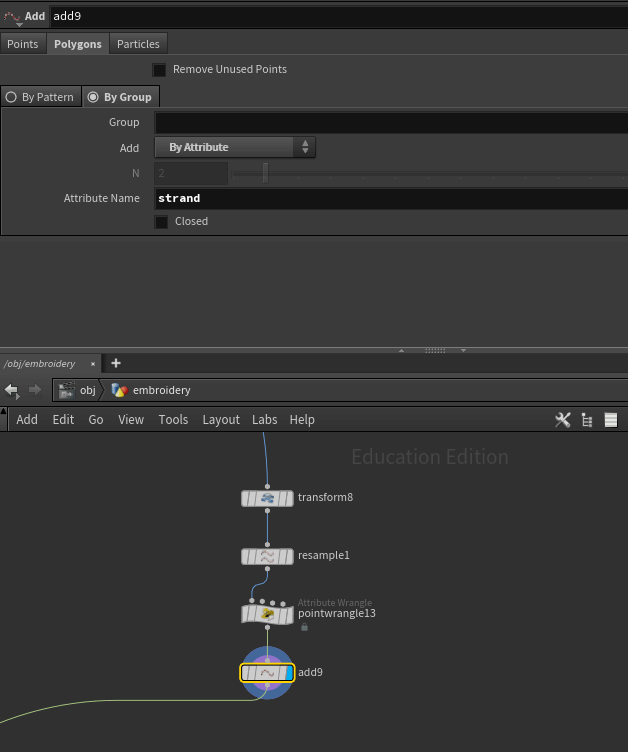
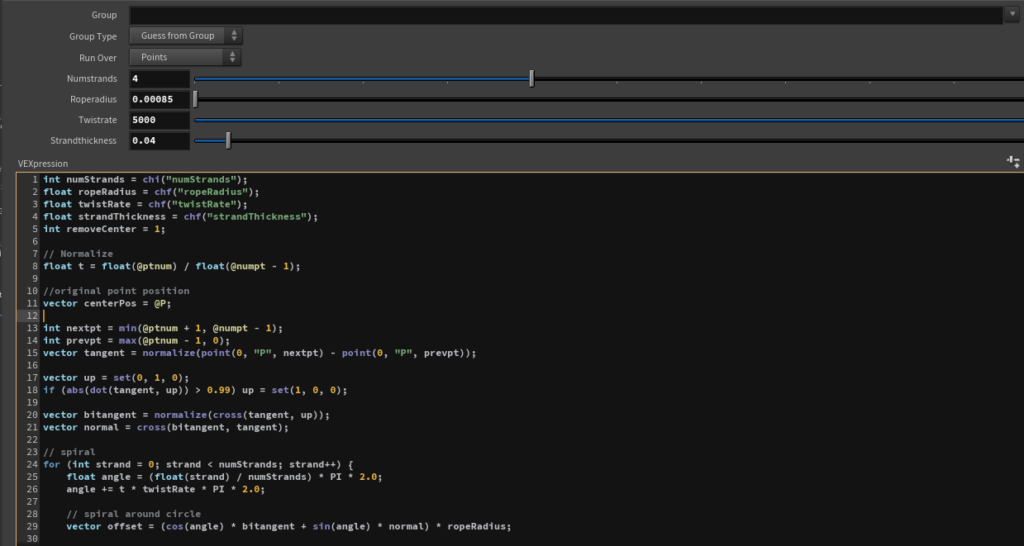
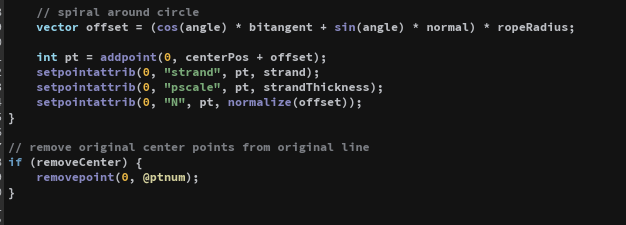
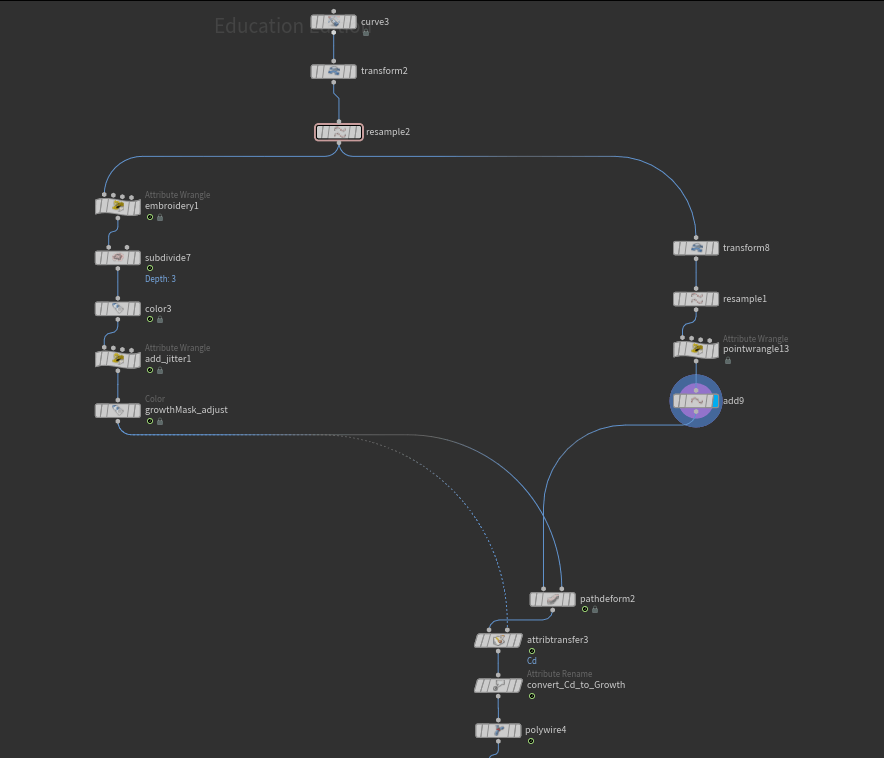
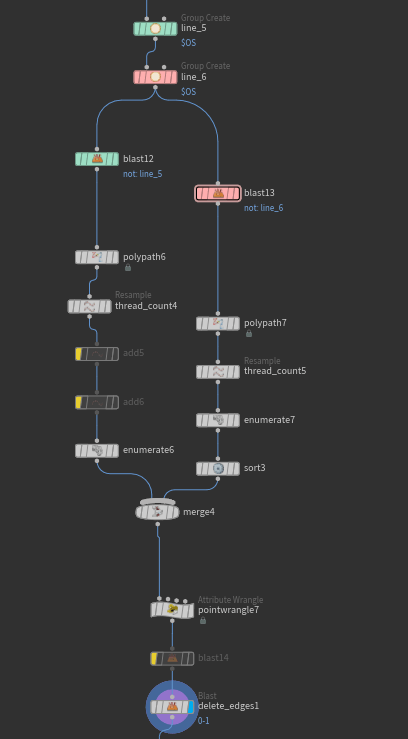
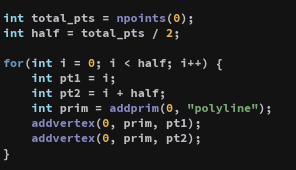
I used Claude AI to help me create a twisting pattern from pre-existing line (the original curve used in the embroidery)
Control over number of twists, number of strings, overall size of thread, size of individual strings
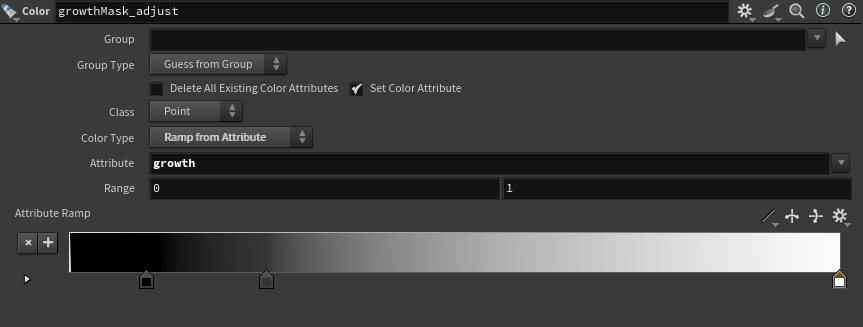
Scale control mask with a ramp
January 29, 2026
Shot 2 – Embroidery
Shot 2 Progress:
Tests with embroidery of the logo
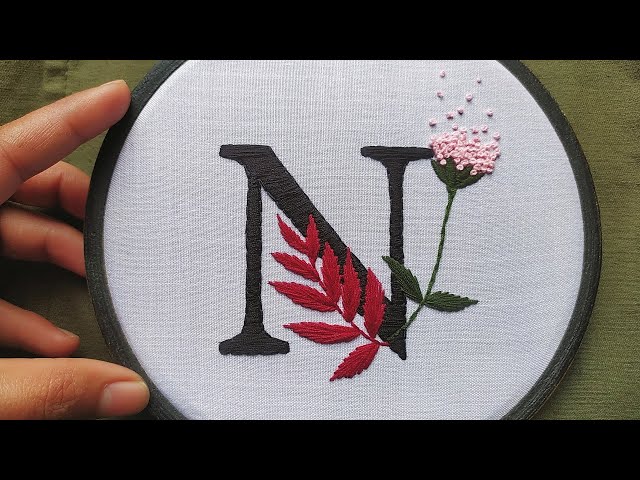
N for Nuage
Test 1 (Notes):
Quick test to cut together a preliminary video with our new shots
The string width here was too thin and the high geometry count made it difficult to work with in Maya
Need to work on optimizing this
Test 2 (Notes):
Optimized version with lower thread count + thicker threads
I think the thread width should be slightly smaller (in between test 1 and test 2)
Export of background embroidery (other half of “N”) caused some crashes because of a lot of overlapping geometry
Fix export issue
Make movement of thread more interesting
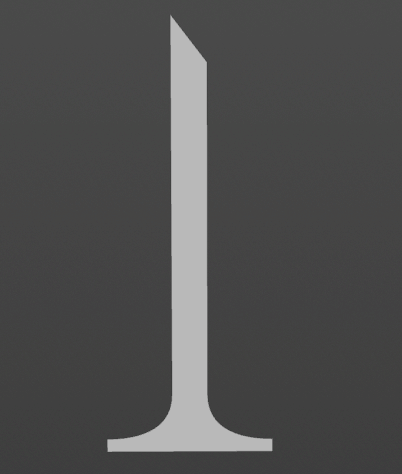
Letter Embroidery:
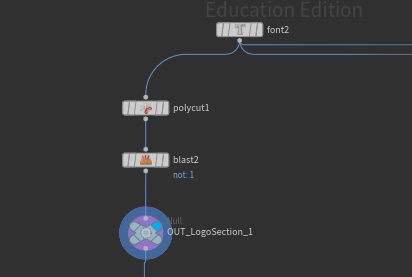
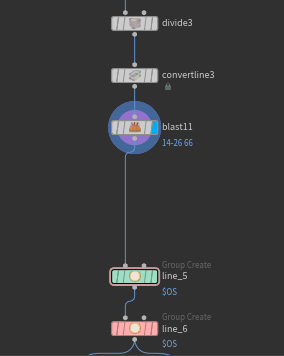
Font node to create the logo
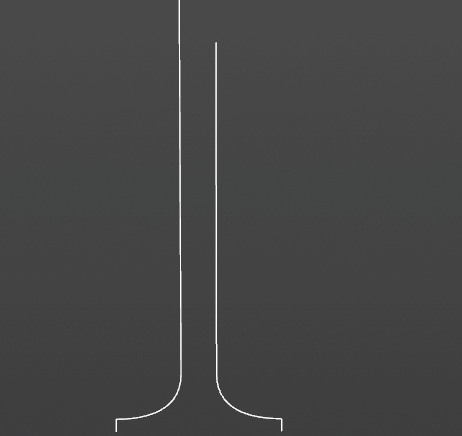
Convert Line to get outlines
Create points on each line and connect
Polywire for line thickness
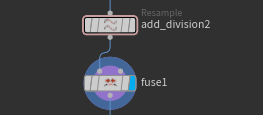
The issue with the crashing in maya was coming from the resample node, which was creating new primitives on top of each other
I fixed this by using a fuse node to make sure any overlapping points were merged, which also significantly brought down the poly count!
Jan 28, 2026
Shot 4 – Cloth
Test 1:
Notes:
Background will be the the room that is in front of the bed
Will test out version where the movement starts from the camera
It feels a little jarring having the cloth come towards the camera
Try turning down gravity + turn up drag to fall slower and more elegantly
Test 2:
Notes:
My team and I like this camera angle much better because it feels less jarring
Add friction to the bed
Turn down gravity + turn up drag for slower, more elegant falling
Jan 27, 2026
Shot 3 – Embroidery Wide
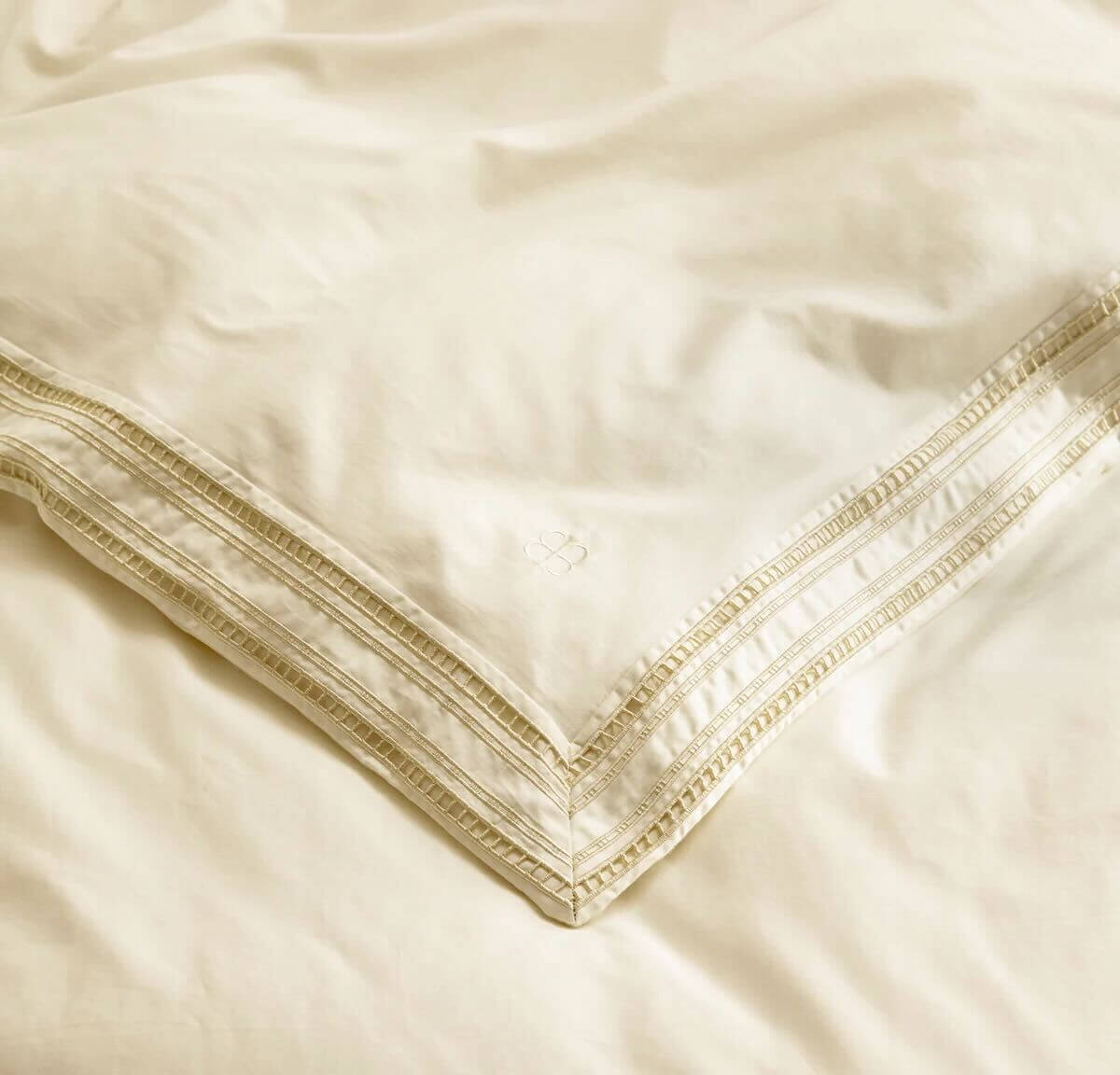
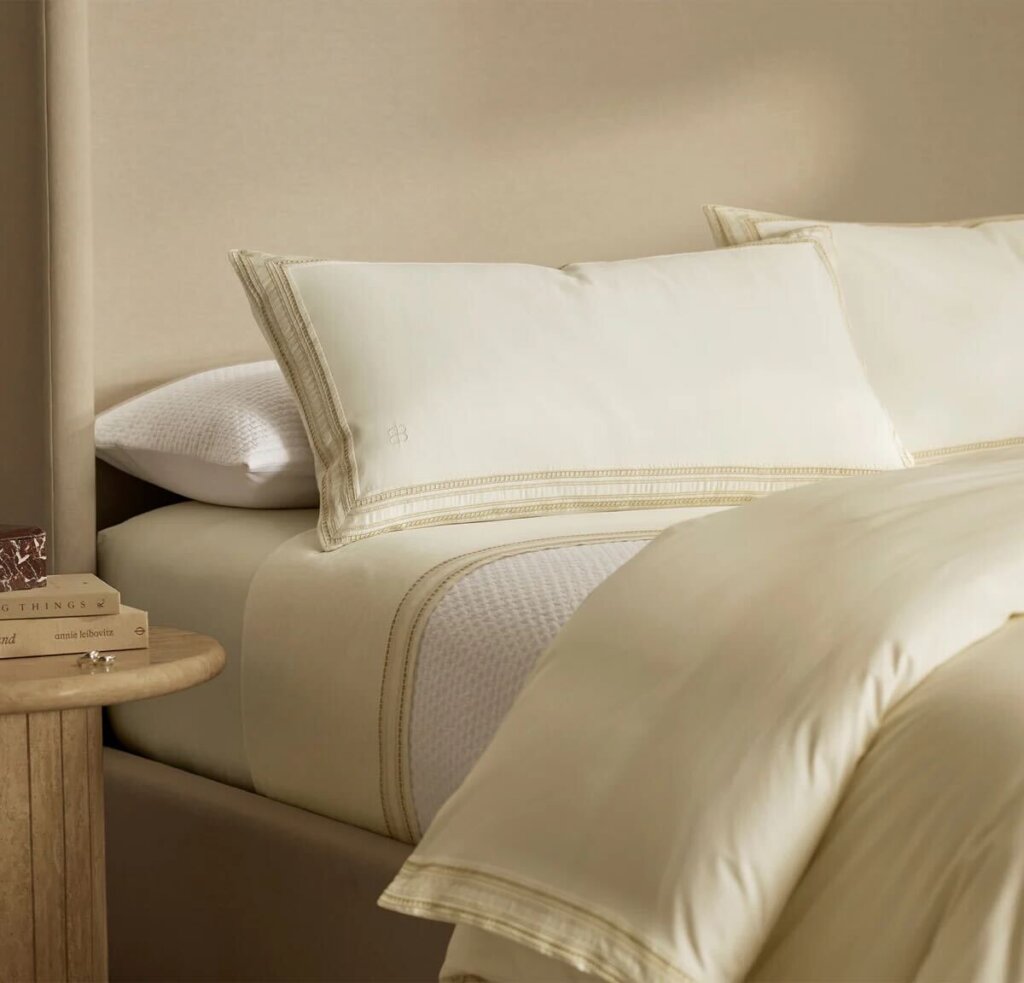
Testing embroidery as a logo vs. border
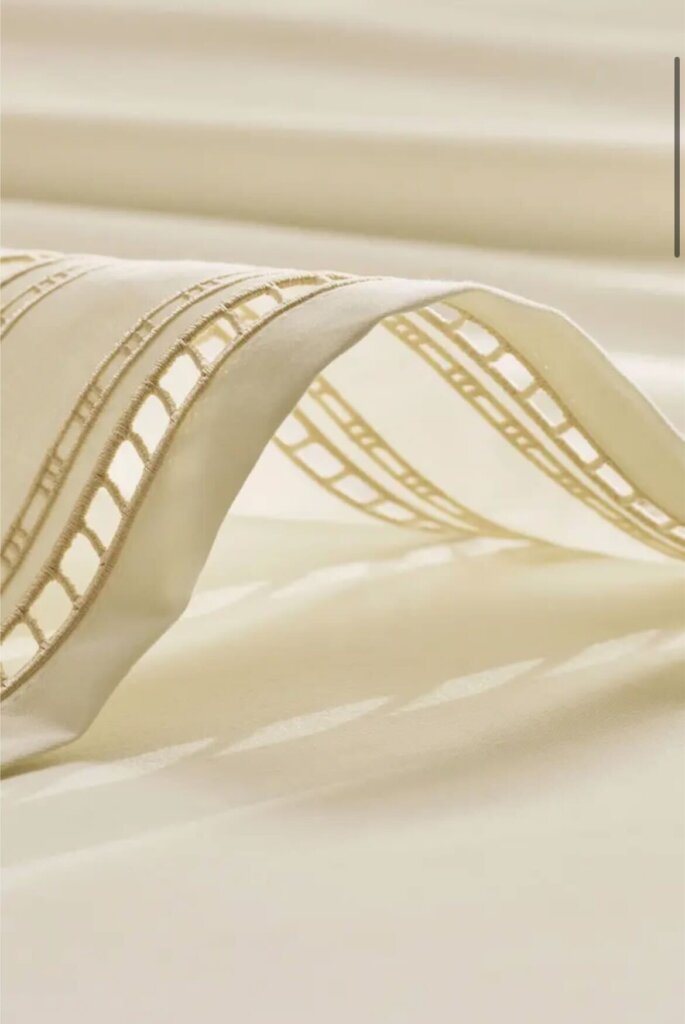
Our team liked the combination of both, similar to the pillowcase reference from Boll & Branch
Jan 27, 2026
Post-Review Discussion
Updated Shot List:
Shot 1:
Weaving (Macro)
Shot 2:
Embroidery (Macro)
Shot 3:
Embroidery + Cloth Waving (Medium)
Shot 4:
Cloth Transition onto bed
Shot 5:
Pillows falling (Close Up)
Shot 6:
Comforter falling at the foot of the bed (Close Up)
Shot 7:
Bedroom (Wide)
Live action + CG integration with actor
Team Discussion:
After hearing mentor feedback, we discussed splitting up the final shot with the bed assembly into multiple close up shots of the individual parts of the bed to make it feel less dragged on at the end
We also will make it more clear what role the embroidery plays in the product (by adding it into the textures of the sheet and pillow cases in shots 4 and 5)
The embroidery will be of the logo (N for Nuage) and we will experiment with the idea of having a border with embroidery
We also will replace the the current bed in the final shot (that has the simulated comforter) with a sculpted comforter to art direct its comfy feeling