Particle Disintegration

(Responsible for all aspects, except lion model)

Rendering:

Houdini Version: 20.5.278

Renderer: Karma CPU

Avg. Render Time: 2.4 min/ frame

Resolution: 1920 X 1080

Number of Lights: 2 (Spot Light, Environment Light) 

Primary Samples: 25

Min Secondary Samples: 1

Max Secondary Samples: 9

Light Sampling Quality: 3

Technical Breakdown

Particles Source – Pyro Source Spread

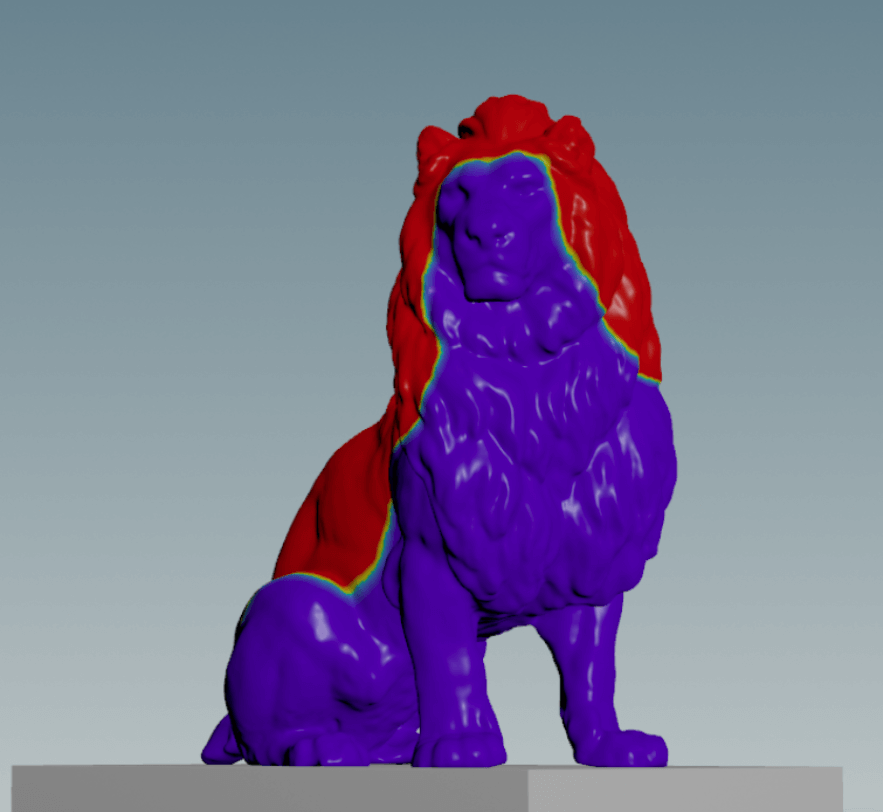
I used the temperature attribute in Pyro Source Spread to create the particle source and to delete the geometry for the disintegration effect. 

The feedback I got from my original disintegration test was to be more intentional about how the source spreads, and to try and make it frame the face of the lion. For more control over how the attribute spreads, I used multiple animated geometries to create the starting point.
 

Method for adding points in different areas to pyro spread: https://deborahrfowler.com/HoudiniResources/ParticleExampleDisintegrationPyroSourceSpread.html 

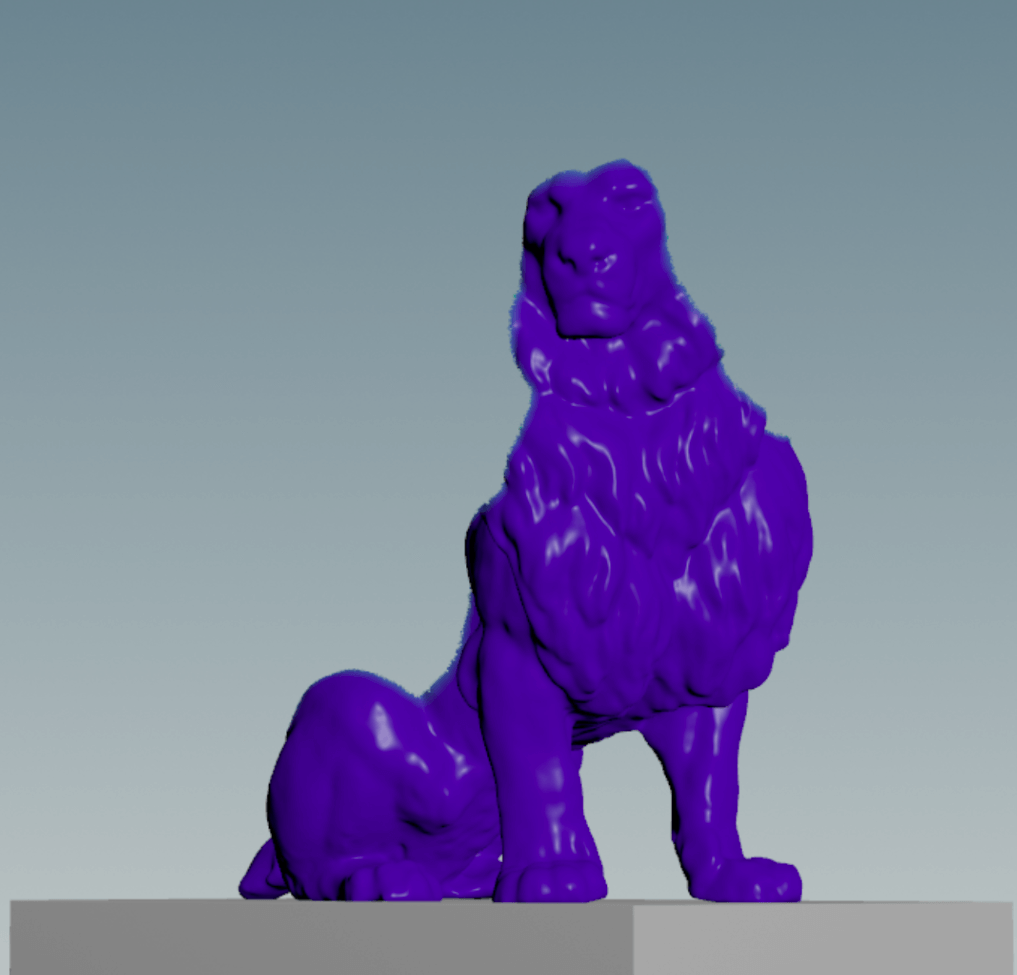
Image A
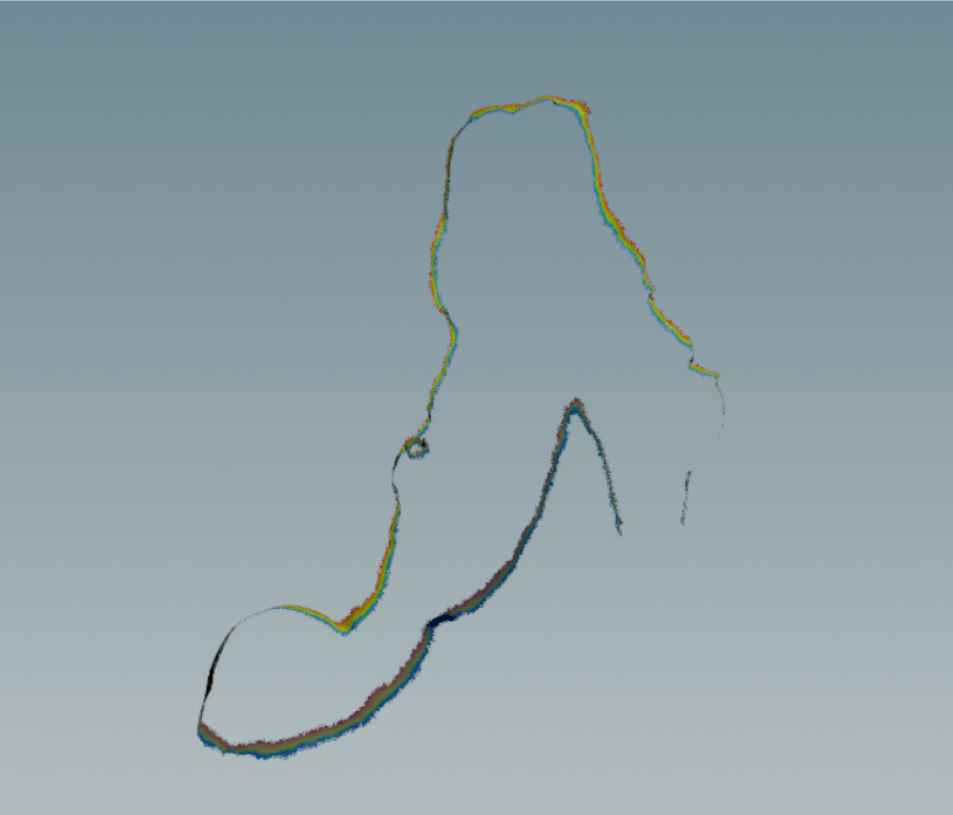
Image B

Image A: Particle Source

  • Delete Node
  • Delete based on temperature
  • Deleted by expression so that the particle source was only at the edges of the spread, rather than continuously emitting

Image B: Deleting Geometry

  • Deleted geometry using the temperature attribute that is spread

Scatter Node to create the points that particles will emit from

POP Net

Adding Forces:

  • POP Force
    • Amplitude
      • Keyframed to get larger over time
  • POP Collision Detect
    • Ground Plane
    • Lion Geometry
      • Peak Node (by -0.01)
  • Static Object 
    • Ground Plane
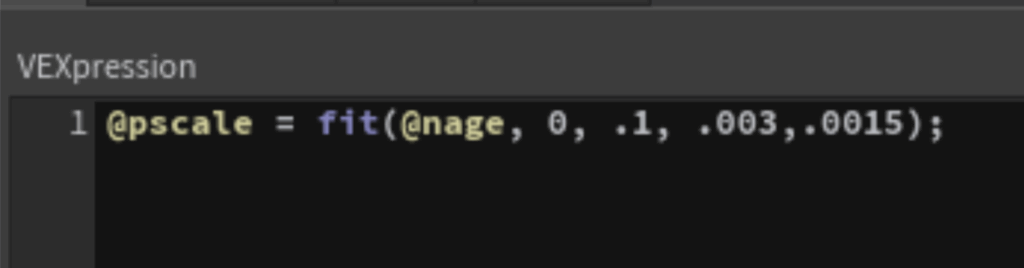
  • Pscale 
    • POP Wrangle
      • Pscale decreases with the lifespan of the particle 
      • Initial pscale = 0.025

Tests:

This is my first version of the disintegration. 


Feedback:

  • Too calm for a lion, needs to be more dramatic overall
  • Movement feels too random, make it more intentional
  • Lighting should be more dramatic
  • Fix overlap with particles and geo deleting